Stay on top of the latest features, improvements and important updates
Discover what's changed and how it enhances your experience.
What's New

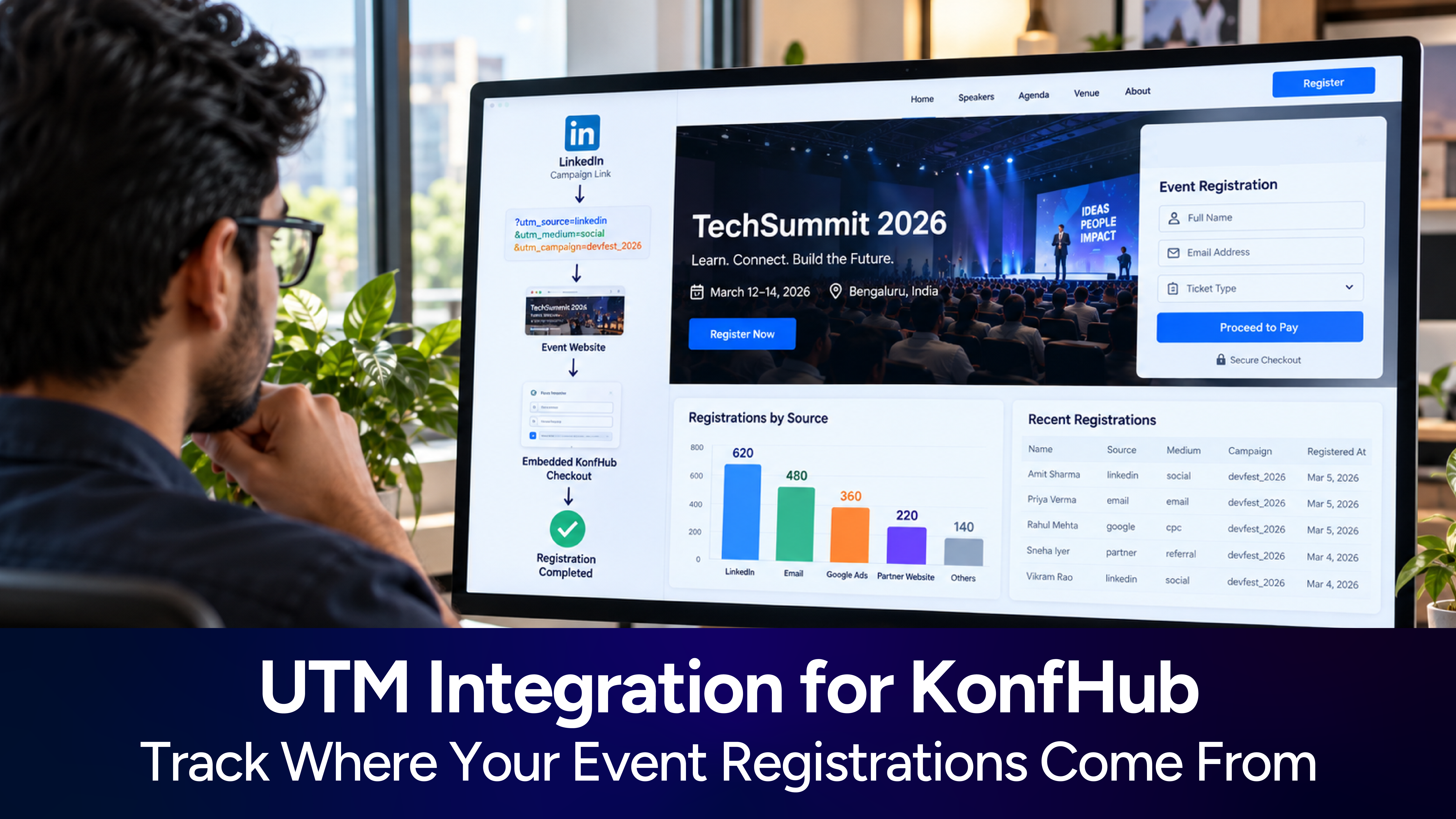
UTM Integration for KonfHub: Track Where Your Event Registrations Come From
When your event registration is embedded into your own website using KonfHub, UTM integration helps carry that campaign information through to the registration or checkout journey.
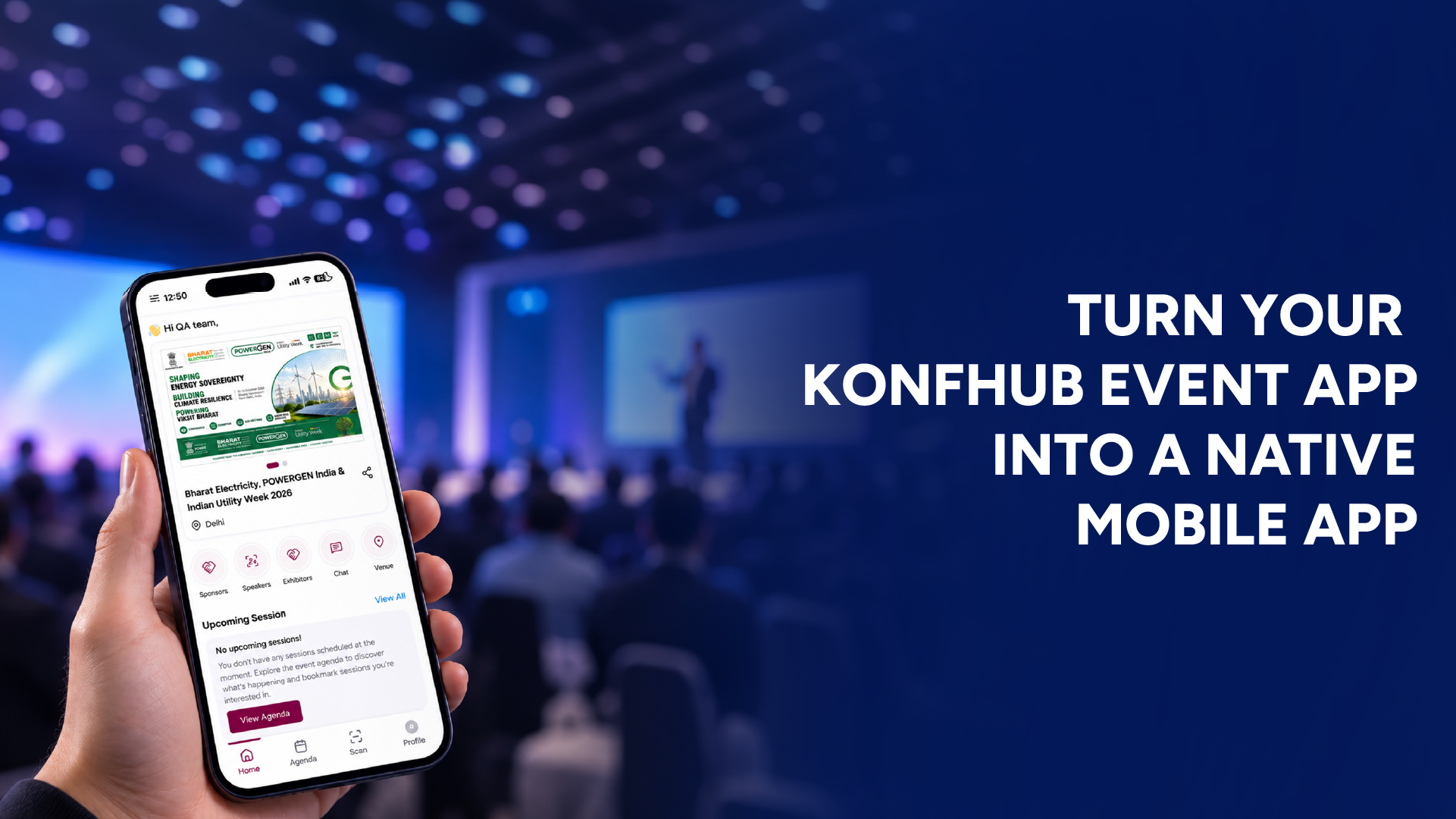
Turn Your KonfHub Event App into a Native Mobile App
With KonfHub’s new Native Event App capability, organizers can now take that experience one step further. Instead of asking attendees to access the event app through a browser, organizers can have their event app packaged and submitted to the Google Play Store and Apple App Store
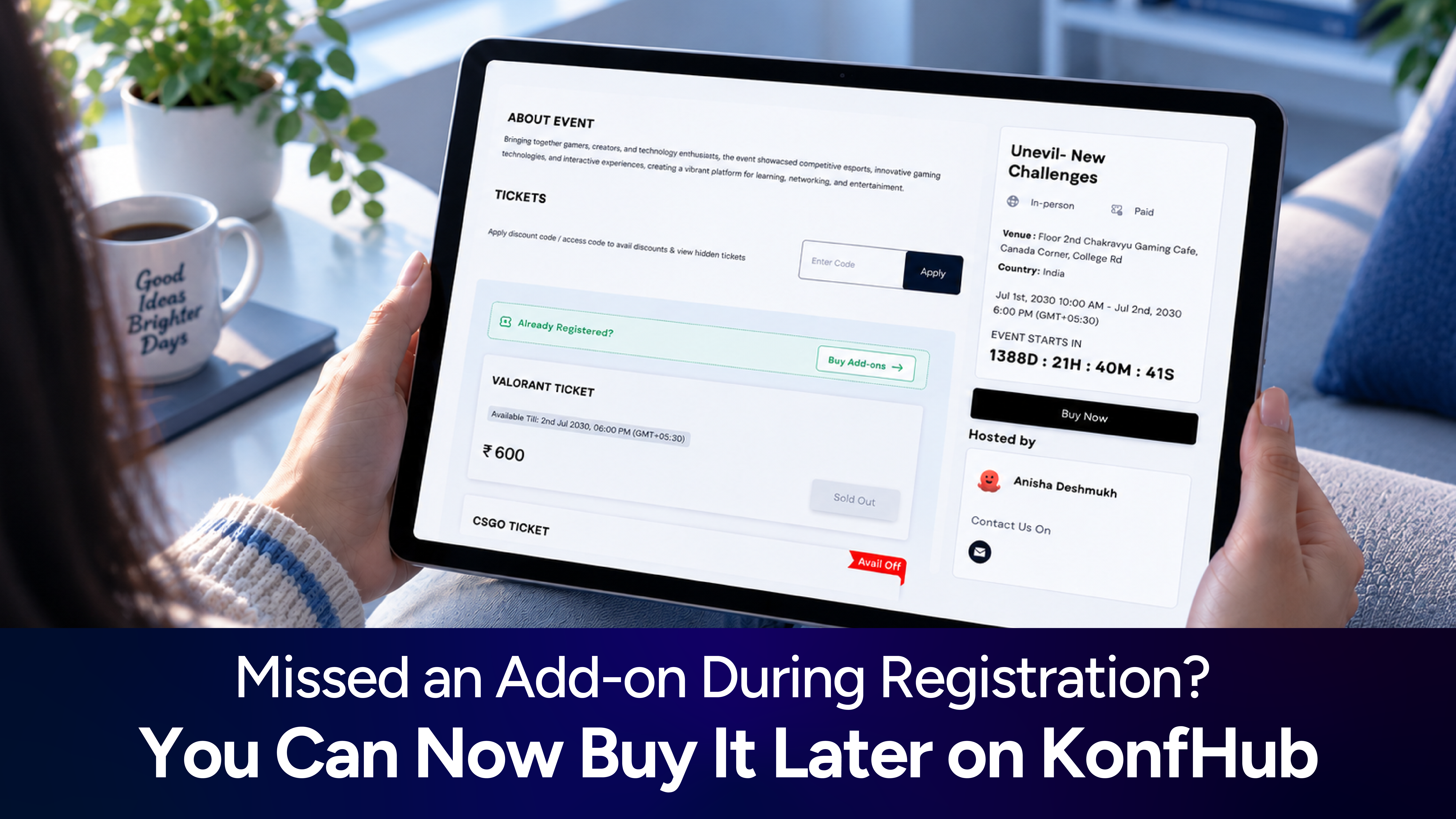
Missed an Add-on During Registration? You Can Now Buy It Later on KonfHub
With KonfHub’s new Buy Add-ons feature, you no longer have to worry about missing out on these extras just because you registered earlier. If you have already booked your ticket and later decide to purchase an add-on, you can do so directly from the event’s registration page.

Custom Domains for Event Registration Pages: Give Your Event a Truly Branded Experience
With Custom Domains in KonfHub's White Label feature, organizers can use their own domain for their event registration page. Instead of sharing a URL such as: https://konfhub.com/techsummit you can use a domain that matches your brand, such as: https://techsummit.acme.com

One Organizer App for All Your Events: A Simpler Event App Experience
With KonfHub's new organization-level Event App management, organizers can now bring multiple event apps into a single organizer app. Participants only need to download the app once. From there, they can access the event apps made available by the organization.

Bulk Ticket Refunds Are Here: Refund Multiple Participants in Just a Few Clicks
Organizers can now select multiple participants and initiate refunds for all selected tickets at once, eliminating the need to process refunds one by one.
- ...